Introduction
Reset timer actions are used to clear the value and state of a timer field. The elapsed time will be set to 0 and the state will be set to “Not Started“.
Steps to create an Reset Timer Action
Provide a name Name and Description of your action.
Select ResetTimer as Action Type.
Select the timer Field you want to apply the action to.
Click on Create button.
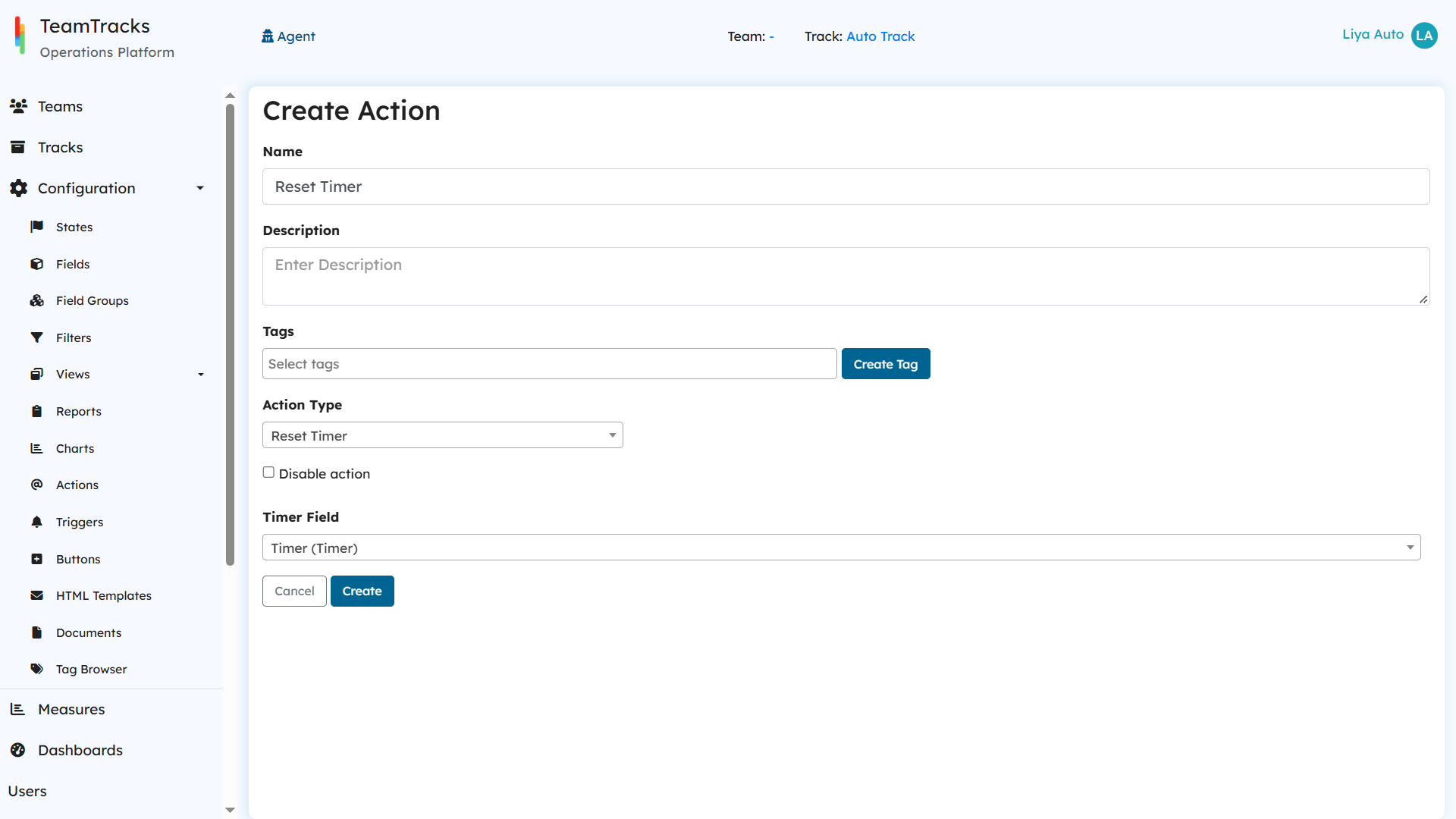
Admin Portal: Create action screen for Reset Timer